Fixing Logitech M575 Glitch
I use a Logitech M575 as my main cursor device because a trackball is far more comfortable to use and does not hurt the carpal tunnel at all, switching from a mouse to a trackball completely stopped the pain. It takes around one or two days to adapt. However, after its only benefits, you can use your “mouse” on any surface (plane, bed, …), don’t need a lot of space, it’s close to the keyboard and does not move so no useless movements, etc…
Now I have an issue with it, it’s maybe a defective unit, I don’t know but sometimes, when I move the ball, the mouse triggers a “return” like if I am on a web browser and navigate, as soon as I move the ball, I’m teleported to the previous page, and it does not stop until I’m on the browser home page.
I’ve tried to switch OS, but it’s the same, so it’s not a software issue. Then changed the battery, and it worked for a bit (1 or 2 weeks), and today I had the same issue. So it’s a hardware issue. It proceeded to shake the mouse without the ball to see if there is a shortcut somewhere and no. So in my opinion, it’s a firmware issue, and for now I don’t want to dig deeper, but I will try to dump it in the future to see what’s going on!
Now as we can see with the commande wev (on Wayland and xev on X11) all the events triggered by the mouse
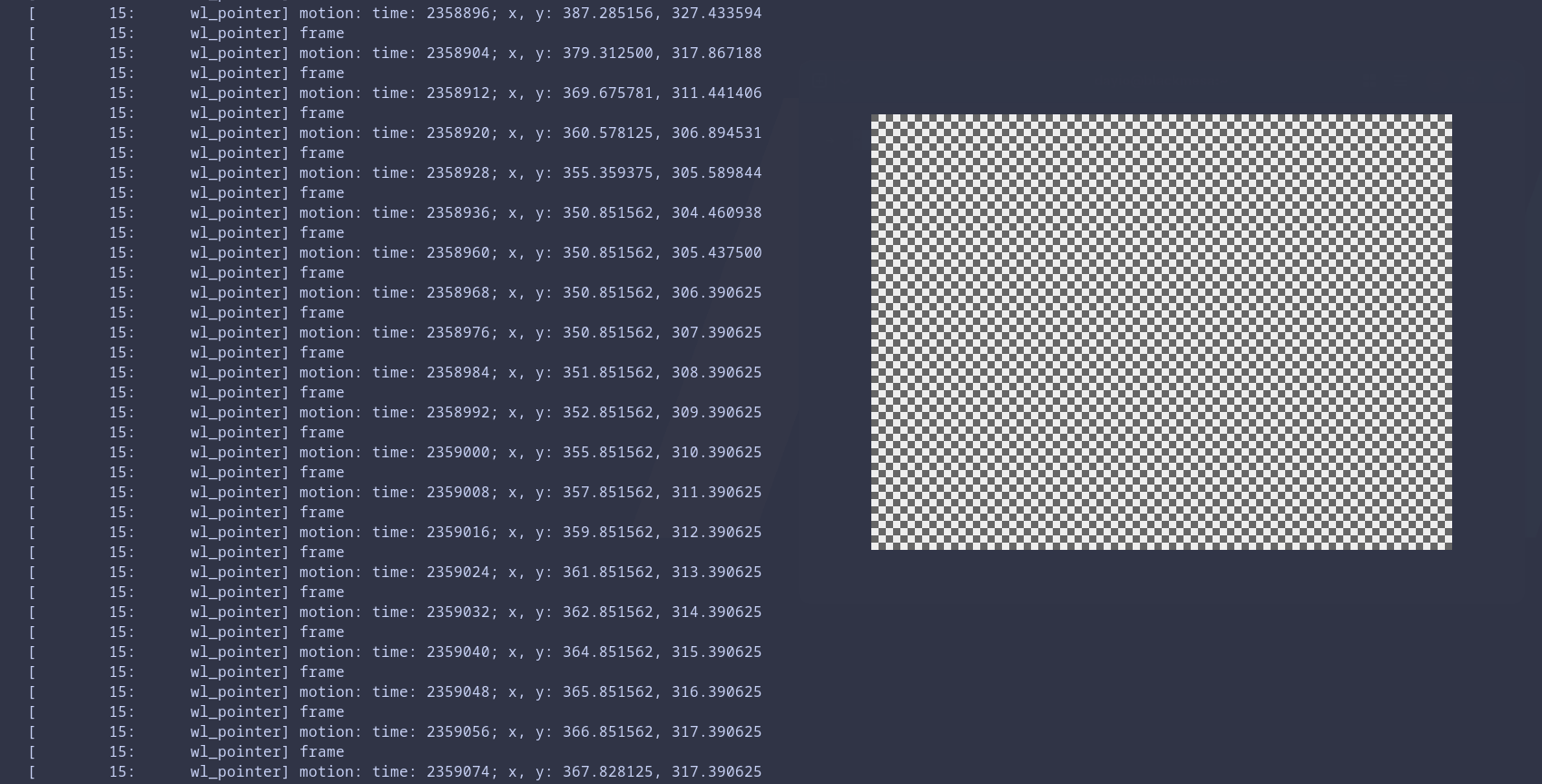
And at one point there is this log
...
[ 15: wl_pointer] frame
[ 15: wl_pointer] motion: time: 502281; x, y: 145.367188, 202.351562
[ 15: wl_pointer] frame
[ 15: wl_pointer] motion: time: 502289; x, y: 145.367188, 203.351562
[ 15: wl_pointer] frame

[ 15: wl_pointer] button: serial: 1498; time: 502297; button: 275 (side), state: 1 (pressed)

[ 15: wl_pointer] frame
[ 15: wl_pointer] motion: time: 502305; x, y: 145.367188, 205.351562
[ 15: wl_pointer] frame
[ 15: wl_pointer] motion: time: 502313; x, y: 146.367188, 207.351562
[ 15: wl_pointer] frame
...
button: serial: 1498; time: 502297; button: 275 (side), state: 1 (pressed) and I didn’t press anything and the button: 275 is the “back” button…
I had never used the “back” or “forward” button, so it’s not a problem for me to disable them.
Using evtest we can extract the hardware event code used by the operating system, Fedora for me, and those are different from the universal codes like 275.
➜  ~ sudo evtest
No device specified, trying to scan all of /dev/input/event*
Available devices:
/dev/input/event0:      Power Button
/dev/input/event1:      Lid Switch
/dev/input/event15:     PC Speaker
/dev/input/event2:      Sleep Button
/dev/input/event3:      Power Button
/dev/input/event7:      Logitech ERGO M575
....
Select the device event number [0-22]:
Here I type 7 as it’s the device I need to inspect
Select the device event number [0-22]: 7
Input driver version is 1.0.1
Input device ID: bus 0x3 vendor 0x46d product 0x4096 version 0x111
Input device name: "Logitech ERGO M575"

Supported events:
Event type 0 (EV_SYN)
Event type 1 (EV_KEY)
Event code 272 (BTN_LEFT)
Event code 273 (BTN_RIGHT)
Event code 274 (BTN_MIDDLE)
Event code 275 (BTN_SIDE)
Event code 276 (BTN_EXTRA)
Event code 277 (BTN_FORWARD)
Event code 278 (BTN_BACK)
Event code 279 (BTN_TASK)
Event code 280 (?)
Event code 281 (?)
Event code 282 (?)
Event code 283 (?)
Event code 284 (?)
Event code 285 (?)
Event code 286 (?)
Event code 287 (?)
Event type 2 (EV_REL)
Event code 0 (REL_X)
Event code 1 (REL_Y)
Event code 6 (REL_HWHEEL)
Event code 8 (REL_WHEEL)
Event code 11 (REL_WHEEL_HI_RES)
Event code 12 (REL_HWHEEL_HI_RES)
Event type 4 (EV_MSC)
Event code 4 (MSC_SCAN)

Properties:

Testing ... (interrupt to exit)

Event: time 1775547191.433856, -------------- SYN_REPORT ------------
Event: time 1775547191.451596, type 2 (EV_REL), code 1 (REL_Y), value 1

...

Event: time 1775547191.763597, -------------- SYN_REPORT ------------
Event: time 1775547191.771590, type 2 (EV_REL), code 0 (REL_X), value 2
Event: time 1775547191.771590, type 2 (EV_REL), code 1 (REL_Y), value -2

Event: time 1775547191.771590, -------------- SYN_REPORT ------------
Event: time 1775547191.779589, type 4 (EV_MSC), code 4 (MSC_SCAN), value 90004
Event: time 1775547191.779589, type 1 (EV_KEY), code 275 (BTN_SIDE), value 1
Event: time 1775547191.779589, type 2 (EV_REL), code 0 (REL_X), value 1
Event: time 1775547191.779589, type 2 (EV_REL), code 1 (REL_Y), value -2

Event: time 1775547191.779589, -------------- SYN_REPORT ------------
Event: time 1775547191.787928, type 2 (EV_REL), code 0 (REL_X), value 2
Event: time 1775547191.787928, type 2 (EV_REL), code 1 (REL_Y), value -2

...
Here we can see that the value 90004 is the equivalent of the code 275 so we can now use this code to create a hwdb rule.
First with create a file
sudo nano /etc/udev/hwdb.d/90-m575-block.hwdb
With this content and pay attention to the space before KEYBOARD_KEY_90004 it is mandatory.
evdev:name:*M575*
 KEYBOARD_KEY_90004=reserved
Then we save the file and update the hwdb and propagate the changes
sudo systemd-hwdb update
sudo udevadm trigger
And voilà. I don’t have any issue with the back button. It’s a temporary fix as if I move on Windows or MacOS, I’ll have the same issue.